IPTV player for Android TV: M3U and Xtream Codes in MIRA Player
M3U, Xtream Codes, EPG and a live TV guide, with an honest look at TiviMate and IPTV Smarters Pro.
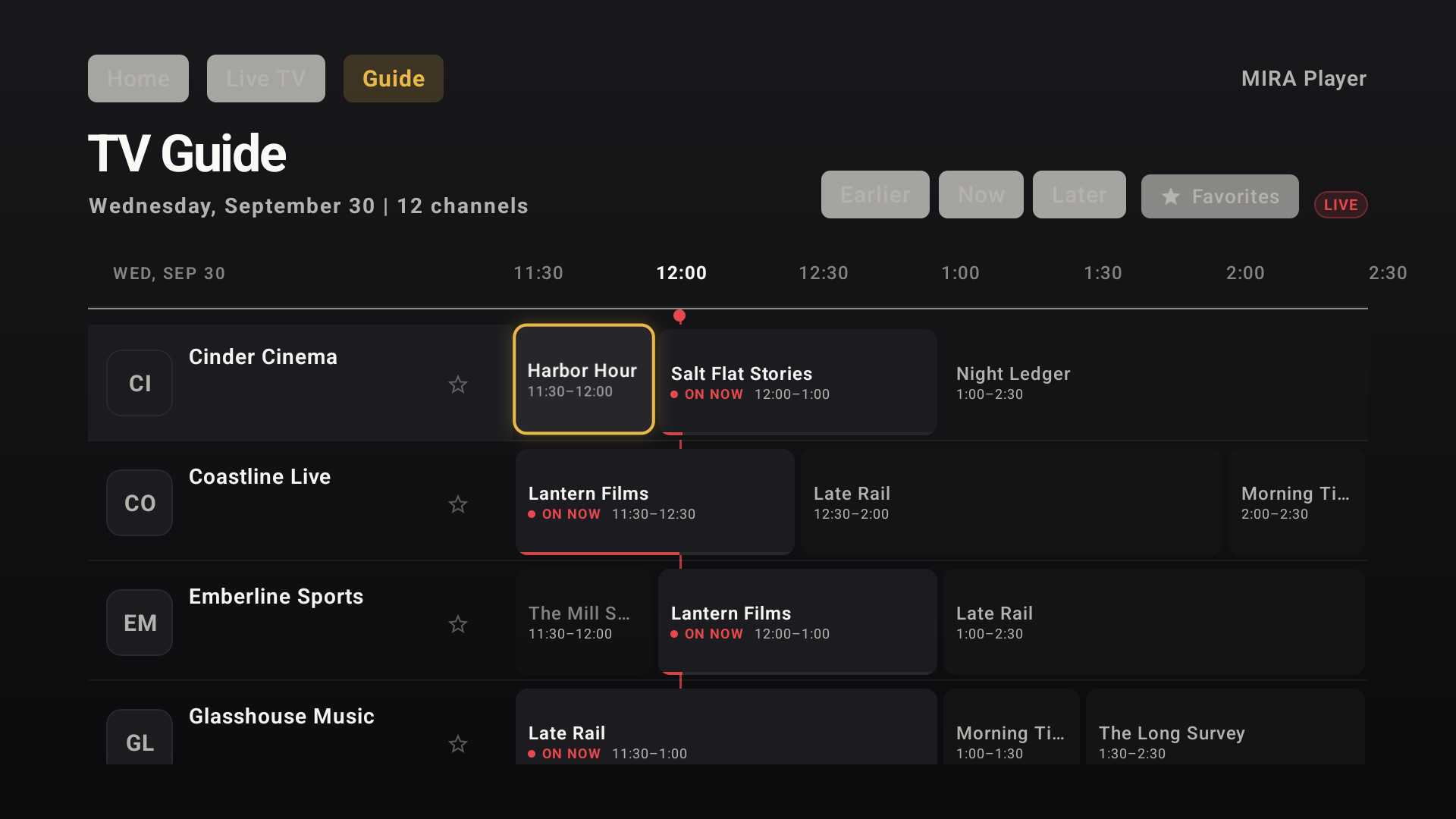
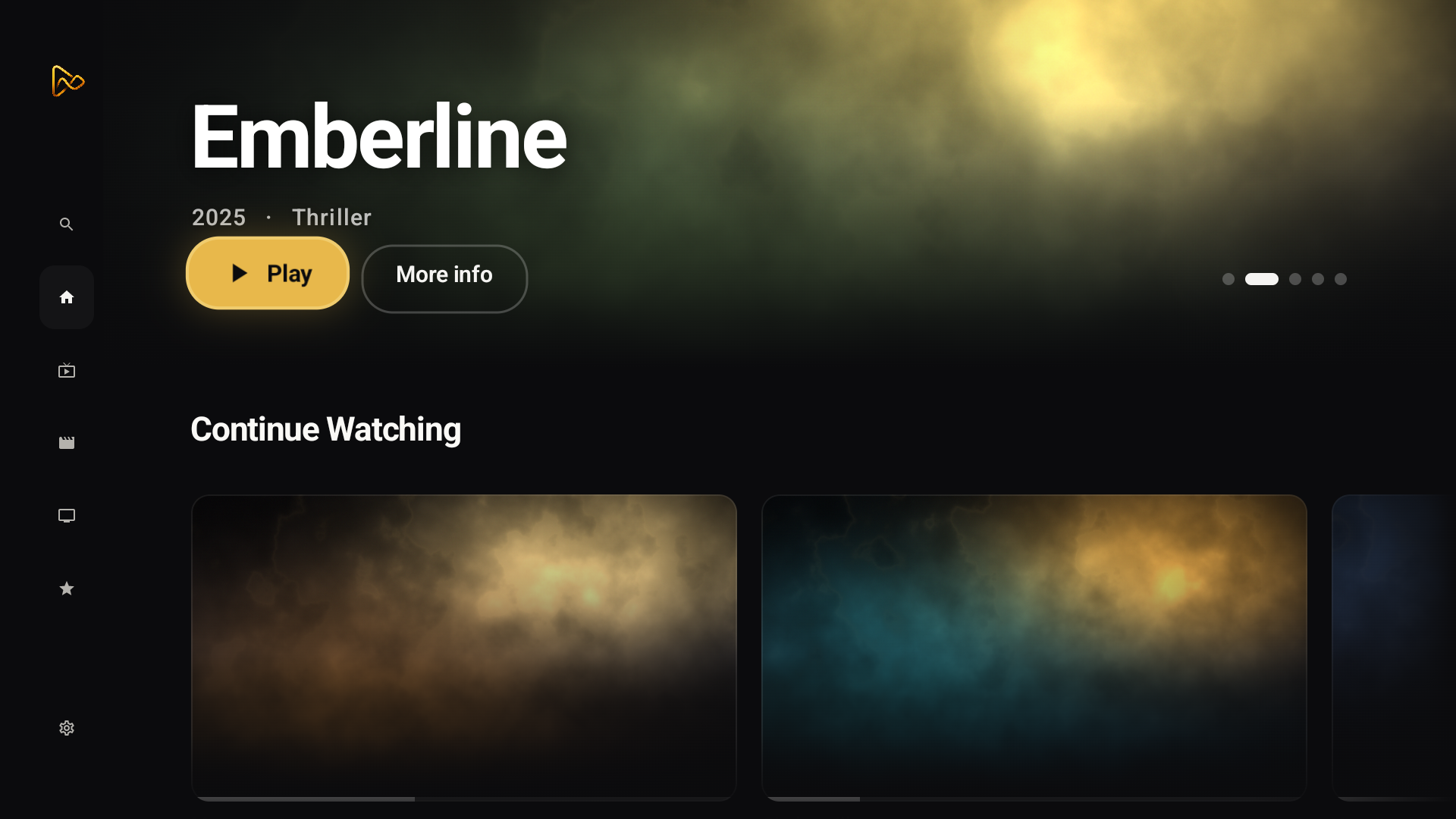
MIRA Player plays IPTV sources you bring: an M3U playlist URL or an Xtream Codes source. It runs on Android TV and Google TV (Google Play, Android 7+), with a live TV guide, watchlist, search and Continue Watching. It provides no channels; your playlist is yours.
M3U and Xtream Codes, both supported
An M3U URL is a plain playlist file; Xtream Codes is a source type that serves playlist and EPG data together. MIRA Player accepts both (live documentation, 2026-09-30), and the live TV guide fills from your source's EPG data.
Connection is supported in-app. Playback depends on your sources, device, codec support and network. You connect sources in the web app at miraplayer.tv/app; your provider credentials stay between you and your provider. Sources are connected on the web at miraplayer.tv/app, not on the TV. MIRA Player is a player, not a content service: it hosts, bundles and supplies no channels, movies or streams.
How MIRA Player compares (facts, not fights)
TiviMate: M3U yes, Xtream yes, EPG yes, Android TV intended (not phone-optimized), Premium exact price unknown, Multiview yes / PiP unknown (play.google.com/store/apps/details?id=ar.tvplayer.tv, tivimate.com/terms-of-use, 2026-09-30).
IPTV Smarters Pro: TV v2.1.2 / phone v1.1.5, Premium $6.00 USD cadence unknown, Android TV + phone + Fire TV Stick, multi-screen + PiP yes (smarterspro.com, 2026-09-30).
Debrid and Stremio add-on support for both is unknown from official sources. Each row links its source rather than rounding up.
| App | M3U | Xtream Codes | EPG / live guide | Debrid | Stremio add-ons | Platforms | Price | Multiview / PiP | Refund | Source |
|---|---|---|---|---|---|---|---|---|---|---|
| MIRA Player (as of 2026-09-30) | yes (as of 2026-09-30) | yes (as of 2026-09-30) | live TV guide yes (as of 2026-09-30) | 5 debrid services (as of 2026-09-30) | BYO add-on URL (as of 2026-09-30) | Android TV/Google TV, web, desktop (as of 2026-09-30) | $20/year or $99 lifetime (as of 2026-09-30) | unknown (not claimed) (as of 2026-09-30) | All plans: 7-day refund on your first payment | source |
| TiviMate (as of 2026-09-30) | yes (as of 2026-09-30) | yes (as of 2026-09-30) | EPG yes (as of 2026-09-30) | unknown (as of 2026-09-30) | unknown (as of 2026-09-30) | Android TV intended (not phone-optimized) (as of 2026-09-30) | Premium exact price unknown (as of 2026-09-30) | Multiview yes / PiP unknown (as of 2026-09-30) | unknown (as of 2026-09-30) | source |
| IPTV Smarters Pro (as of 2026-09-30) | yes (as of 2026-09-30) | yes (as of 2026-09-30) | EPG yes (as of 2026-09-30) | unknown (as of 2026-09-30) | unknown (as of 2026-09-30) | TV v2.1.2 / phone v1.1.5; Android TV + phone + Fire TV Stick (as of 2026-09-30) | Premium $6.00 USD cadence unknown (as of 2026-09-30) | multi-screen + PiP yes (as of 2026-09-30) | unknown (as of 2026-09-30) | source |
Data as of . Each row links its source and the date it was checked.
How to set up IPTV in MIRA Player on Android TV
- Install from Google Play. Search mira.player.tv on your Android TV or Google TV device (Android 7+).
- Sign in. Use the same account you will connect sources with.
- Connect your IPTV source in the web app. You connect sources in the web app at miraplayer.tv/app; your provider credentials stay between you and your provider. Add your M3U URL or Xtream Codes source there; sources connect on the web, not on the TV.
- Open the live TV guide on your TV. Channels and EPG from your source appear in the guide; watchlist and Continue Watching sync across devices.
Try it on your TV
MIRA Player is a media player for your own sources; it hosts nothing. $20/year or $99 lifetime (one-time); All plans: 7-day refund on your first payment.
Get MIRA PlayerBring your own sources. MIRA Player provides no content.
FAQ
Is MIRA Player a TiviMate alternative?
For M3U and Xtream playback with a live guide, MIRA Player is an option; see the TiviMate vs MIRA TV comparison linked below. TiviMate is a solid Android TV app (free + Premium, exact price unknown as of 2026-09-30).
M3U or Xtream Codes: which should I use?
Both are supported. Xtream bundles playlist, EPG and login in one host; M3U is a plain playlist URL. Use whichever your provider issues you.
Is an EPG included?
MIRA Player ships with a live TV guide filled by your source's EPG data. Guide content depends on what your source provides.
Does the web app work on Apple devices?
Phone: the web app works today, including iPhone and iPad Safari; a native phone app is coming, no date.
What about Fire TV?
Fire OS sideload is supported; the Vega store is blocked. Install the sideload build from the get page.
What does it cost?
$20/year or $99 lifetime (one-time); All plans: 7-day refund on your first payment. Your IPTV subscription is separate and bring-your-own.