Stremio add-ons on your TV: what they do, and how MIRA Player handles them
Add-ons explained from Stremio's own pages, plus the honest unknowns.
Stremio add-ons are installed from Stremio's add-on catalog; Stremio says they do not run code on your device and that it provides no content itself. MIRA Player is not Stremio and does not claim an add-on catalog: you paste the add-on URL you already use into the web app, and its results show up in MIRA Player on your TV next to your IPTV and debrid sources.
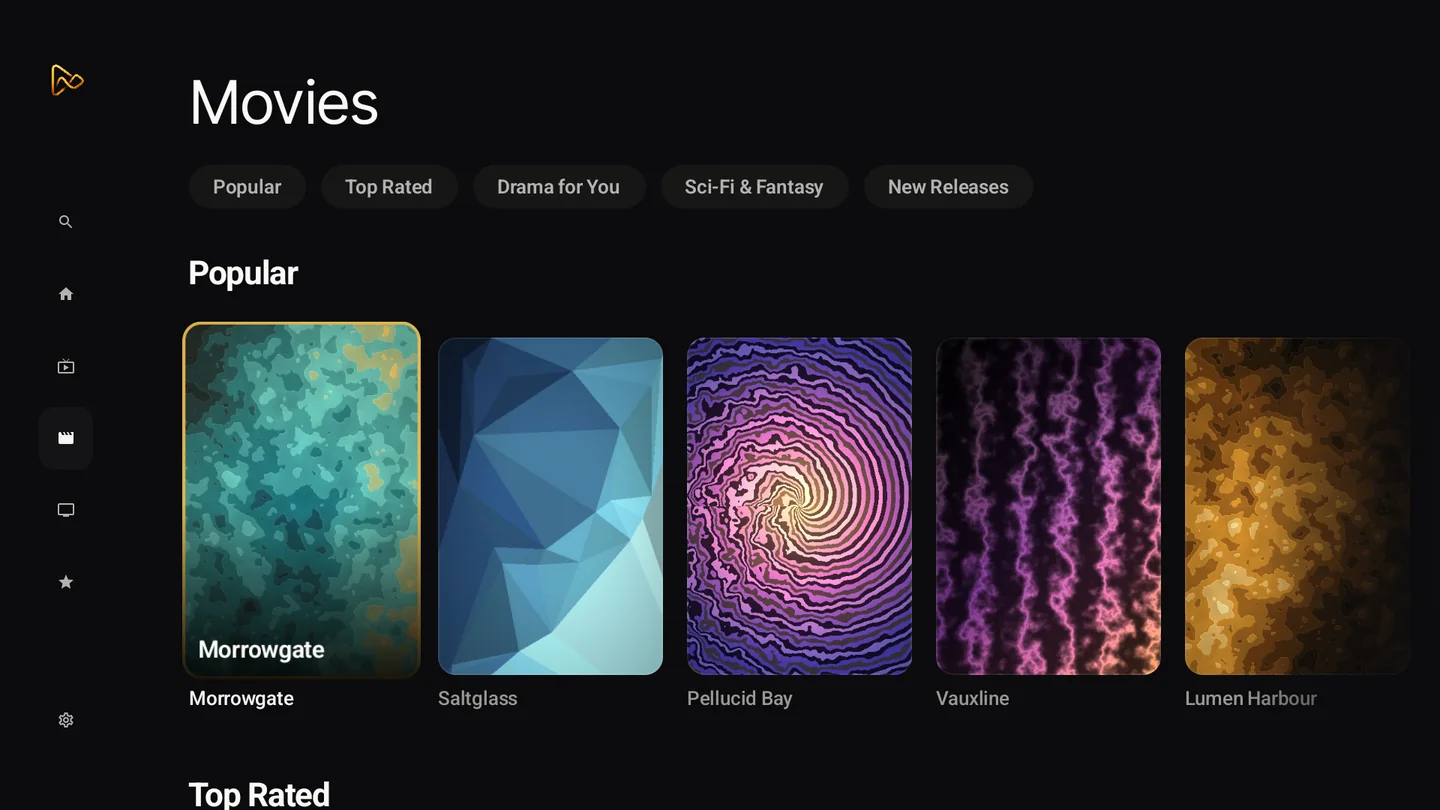
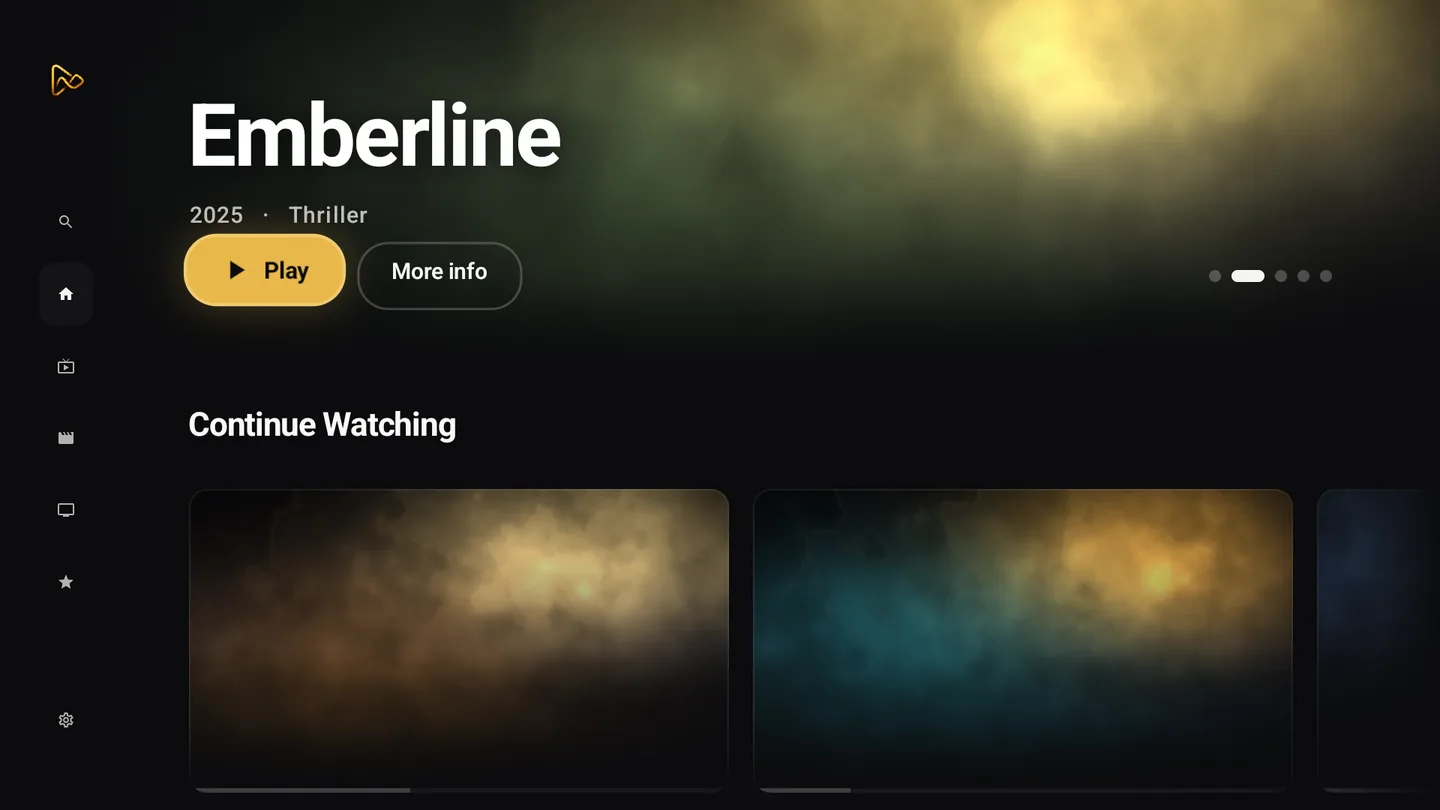
What a Stremio add-on is (stremio.com, 2026-10-18)
Per Stremio's FAQ, you create an account, visit the add-on catalog and install the add-ons you want; the add-ons do not run any code locally. Stremio says it provides no content itself, and that the more add-ons you install, the more you will be able to find. It also points to community add-on lists outside its own catalog (stremio.com, checked 2026-10-18).
How MIRA Player handles add-ons
MIRA Player supports Stremio add-ons as a bring-your-own add-on URL (miraplayer.tv/llms.txt, checked 2026-10-18). You connect sources in the web app at miraplayer.tv/app; your provider credentials stay between you and your provider. The add-on's results appear in the same catalogue, search and watchlist as your other sources.
MIRA Player is a player, not a content service: it hosts, bundles and supplies no channels, movies or streams. Playback depends on your sources, device, codec support and network.
Which add-ons work? Unknown
There is no published compatibility list for MIRA Player, so we do not guess which add-ons work. Some add-ons expect a debrid account; that arrangement is between you, the add-on and the service. MIRA can try another eligible connected source when one fails; timing depends on the source and network.
| App | How add-ons arrive | Add-on catalog | Content | Price | TV platforms | Source |
|---|---|---|---|---|---|---|
| Stremio (as of 2026-10-18) | installed from Stremio's add-on catalog (stremio.com, 2026-10-18) | yes (stremio.com, 2026-10-18) | states it provides no content (stremio.com, 2026-10-18) | free app; Supporter $39.99/year or $199.99 once (stremio.com/plans, 2026-10-18) | Android TV, LG TV (stremio.com, 2026-10-18) | source |
| MIRA Player (as of 2026-10-18) | you paste an add-on URL you already use (as of 2026-10-18) | add-on catalog not claimed (as of 2026-10-18) | BYO; we host nothing (as of 2026-10-18) | $20/year or $99 lifetime (one-time); 7-day refund on your first payment (as of 2026-10-18) | Android TV / Google TV (Google Play, Android 7+); Fire OS sideload (as of 2026-10-18) | source |
Data as of . Each row links its source and the date it was checked.
How to use a Stremio add-on in MIRA Player
- Subscribe. Pick a plan at miraplayer.tv/get: $20/year or $99 lifetime (one-time); 7-day refund on your first payment.
- Copy the add-on URL. Get the add-on URL from the add-on's own page or from the setup you already use.
- Paste it on the web. Paste it in the connect-sources screen at miraplayer.tv/app. Sources connect on the web, not on the TV.
- Install the TV app. Install MIRA Player from Google Play on Android TV or Google TV (Android 7+) and sign in with the same account.
Try it on your TV
MIRA Player is a media player for your own sources; it hosts nothing. $20/year or $99 lifetime (one-time); 7-day refund.
Get MIRA PlayerBring your own sources. MIRA Player provides no content.
FAQ
Which Stremio add-ons work in MIRA Player?
Unknown. You bring the add-on URL; there is no published compatibility list, so we do not guess.
Do add-ons need a debrid account?
Often. That is between you, the add-on and the debrid service. MIRA Player connects five debrid services if you have one.
Is it legal?
MIRA Player is a player for your own sources and provides no content. You are responsible for making sure the sources you connect are authorized.
Does MIRA Player provide content?
No. MIRA Player is a player, not a content service: it hosts, bundles and supplies no channels, movies or streams.
Can I add an add-on on the TV itself?
Sources are connected on the web at miraplayer.tv/app, not on the TV. The TV app picks them up when you sign in.
How much is MIRA Player?
$20/year or $99 lifetime (one-time); 7-day refund on your first payment.