How to Watch Live Sports on Android TV Without Cable
A practical guide from someone who spent years paying $150 a month for cable and finally cut the cord. Stream reliability, EPG catch-up, setup, and the hardware you actually need to watch without buffering.
7 min read
If you grew up watching the playoffs on cable, the idea of giving up that $150 a month package probably sounds ridiculous. The NFL Sunday Ticket package alone will run you more than most streaming subscriptions in a single quarter. ESPN Plus, Fox Pass, the regional sports networks that keep changing their prices. Add it all up and you are still missing the same games that were in your basic cable package ten years ago for a fraction of the cost.
I stopped paying for cable about eighteen months ago. The transition was not as clean as the marketing pages make it sound. I learned about stream reliability the hard way during a Thursday Night Football game in October, when the stream dropped in the fourth quarter of a close game that I had been watching for four straight hours. But I also learned how to set it up right. And now, when the game starts at 1 AM on a Sunday because I am watching a west coast team, I am not stressed about it.
Here is what I figured out about watching live sports on Android TV without cable.
Why cable sports costs so much
Cable sports bundles are expensive because every layer of the distribution chain takes a cut. The league charges the network. The network charges the cable provider. The cable provider charges you. Each step adds their margin on top of the others. By the time it reaches your living room, the price has nothing to do with bandwidth costs. It has to do with who needs to make money on the way.
That same content is available through streaming formats that give you access to the live feeds through providers you subscribe to yourself. The price is for the stream itself, not for a bundle of networks you do not want. The economics are completely different.
For a practical breakdown of one subscription replacing multiple cable layers, you can check out the One Streaming Subscription Approach. It covers the same idea: consolidating what used to be a cable bundle into a single monthly cost that actually makes sense.
Setting up a sports-focused channel list
Not every IPTV playlist is equal for live sports. The key is finding a provider that carries the channels you actually need, not every channel that exists. For sports watching, the essential channels vary by region and by which leagues you follow. In Florida, where I am, you need the local ABC, CBS, Fox, and NBC affiliates for the national games, then ESPN, FS1, and the Big Ten Network for college sports. If you watch NBA or NHL, you need NBA TV and NHL Network.

When your provider loads a playlist, you usually get hundreds of channels. Most of them you will never touch. The practical move is to build a focused favorites list and sort it by the time of day you actually watch. Put the Sunday afternoon games at the top. Put late-night fights and playoff games somewhere you can reach them quickly. A well organized channel list saves you from scrolling through forty static channels when the game starts in thirty seconds.
Also check that your IPTV provider has multiple stream sources for each channel. This is where the IPTV Buffering Fix Guide gets into stream quality, but the basic principle is that providers with multiple source links per channel can switch you to a working stream if one goes down. You need that for sports, when a popular game causes spikes on a single source.
Stream reliability during live games
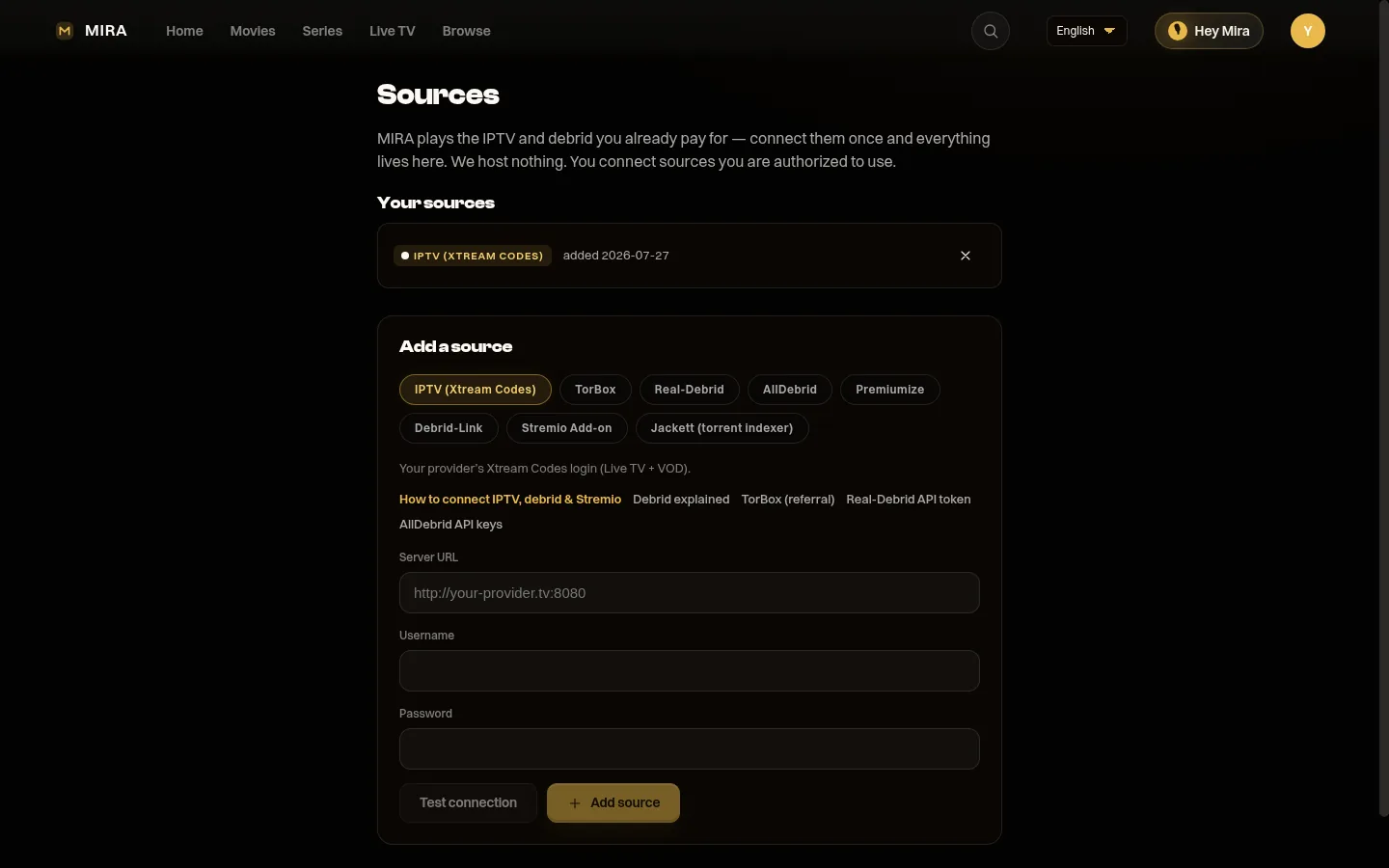
This is the single most important thing I learned, and it is the reason I use MIRA Player as my player on Android TV. A stream that drops mid-game is worse than no stream at all, because it happens at the worst possible moment. The kickoff, a penalty call, the last minute of a tied game. The frustration is disproportionately high because you were locked in.
Multi-link failover changes the game. I do not use the marketing term, it just means that with MIRA Player you can attach two or more source links to the same channel. If the primary stream dies, the player automatically switches to the next one. No remote, no manual search, no reaching for your phone to find a backup link. This is not a small thing. During a big playoff game, having a backup stream means you do not miss five minutes of action because someone's server overloaded.
The buffering fixes and stream stability guide explains the network-side causes, but the simple version is that more sources equal more reliability. One source failing during a national game is normal. You want a player that handles that gracefully.
EPG catch-up when you miss the start
I am bad at timing games to match my actual availability. The start times shift, the overtime happens, I get distracted by something on my phone. When you watch through cable, this is not really a problem because the channel was just playing continuously anyway. With IPTV streams, when you join late, you are normally watching the current moment. You are behind the rest of the world on the score.
EPG catch-up solves this. It lets you jump back to when the game actually started and watch from the beginning, even though you joined five hours later. It works the same way DVR catch-up works on cable. The stream is recorded or buffered on the provider's side while it airs, and you can pull it back. This is essential for sports where you cannot always plan your schedule around kickoff times.
If you are new to IPTV and want to understand how catch-up and streaming work before committing to a setup, the one subscription overview walkthroughs the basic concepts and shows how EPG and catch-up fit into a typical IPTV experience.
Hardware setup
The hardware you use matters more than most people expect. A slow Android TV box will struggle with high-bitrate streams, especially when you are trying to keep multiple sources loaded in the background. The minimum you want is a box with at least 2 GB of RAM and a processor that can handle H.265 decoding. The Chromecast with Google TV (2022 model) works fine. The Xiaomi Mi Box S 2023 is more powerful. The Roku streaming sticks are not a fit because they run a different operating system.
Connect via ethernet whenever you can. WiFi is convenient, but during a live game, a momentary WiFi fluctuation is enough to drop a stream for thirty seconds while it recovers. An ethernet cable eliminates that variable entirely. I run a short cable from my router to the TV stand. It is not the most elegant solution, but buffering during a live sports stream is not elegant either.
TV placement is more important than people talk about. If your TV is mounted too low or you sit at a bad angle, reading the EPG and channel information becomes an eye strain exercise during long games. I found that my setup was better than I realized once the TV was at the right height. It sounds like a trivial detail, but being able to glance at the score and catch-up timeline without leaning forward matters when you have been sitting for four hours.
None of this hardware matters if your internet connection cannot handle it. Make sure you have at least 25 Mbps of consistent download speed. More is better if you plan to watch multiple streams at the same time. A speed test on the Android TV itself is a quick way to verify what you are actually getting, not just what your ISP says you are getting.
After eighteen months without cable, the only thing I miss is the reliability of a system someone else maintains. IPTV puts that in your hands, which means more responsibility upfront and more control in return. The sports viewing quality is at least as good as what I was paying twice as much for, and the flexibility is better. You can watch from any TV in the house with your Android TV box plugged in. You are not tied to a cable box in one living room.
New to IPTV? Start with our IPTV on Android TV setup guide or the platform-specific Google TV walkthrough, then pick your hardware with the best Android TV boxes roundup.
FAQ
Can I really watch live sports on Android TV without cable?
Yes. With an IPTV provider's playlist and a player like MIRA Player on an Android TV box, you get live channels and a full EPG guide — without a cable subscription.
How do I stop a sports stream from dropping mid-game?
Use a player with multi-link failover. MIRA Player lets you attach two or more source links to the same channel and switches automatically if the primary stream dies, so a server overload during a big game does not cost you the action.
What internet speed do I need for live sports IPTV?
At least 10 Mbps for HD and 25+ Mbps for 4K, ideally over a wired Ethernet connection to avoid Wi-Fi drops during a live game.
Does MIRA Player provide the sports channels?
No. MIRA Player is a premium player you own and control. You connect your own IPTV playlist and/or debrid service; MIRA plays it. It does not sell channels or aggregate streaming accounts.
Ready to cut the cord for good?
Get MIRA Player — $20/year