Connect your own supported source
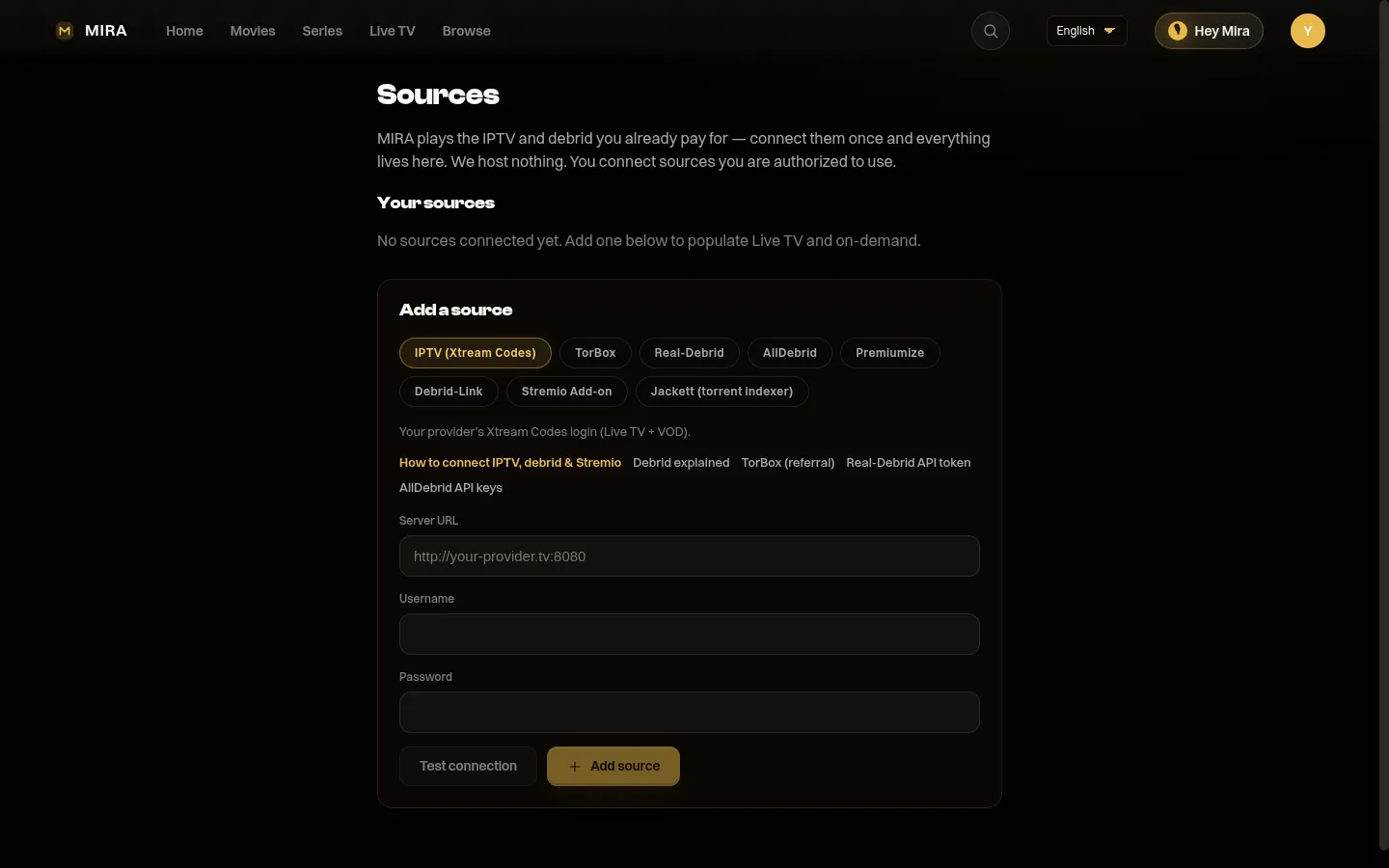
1. Open Sources and pick IPTV or debrid.
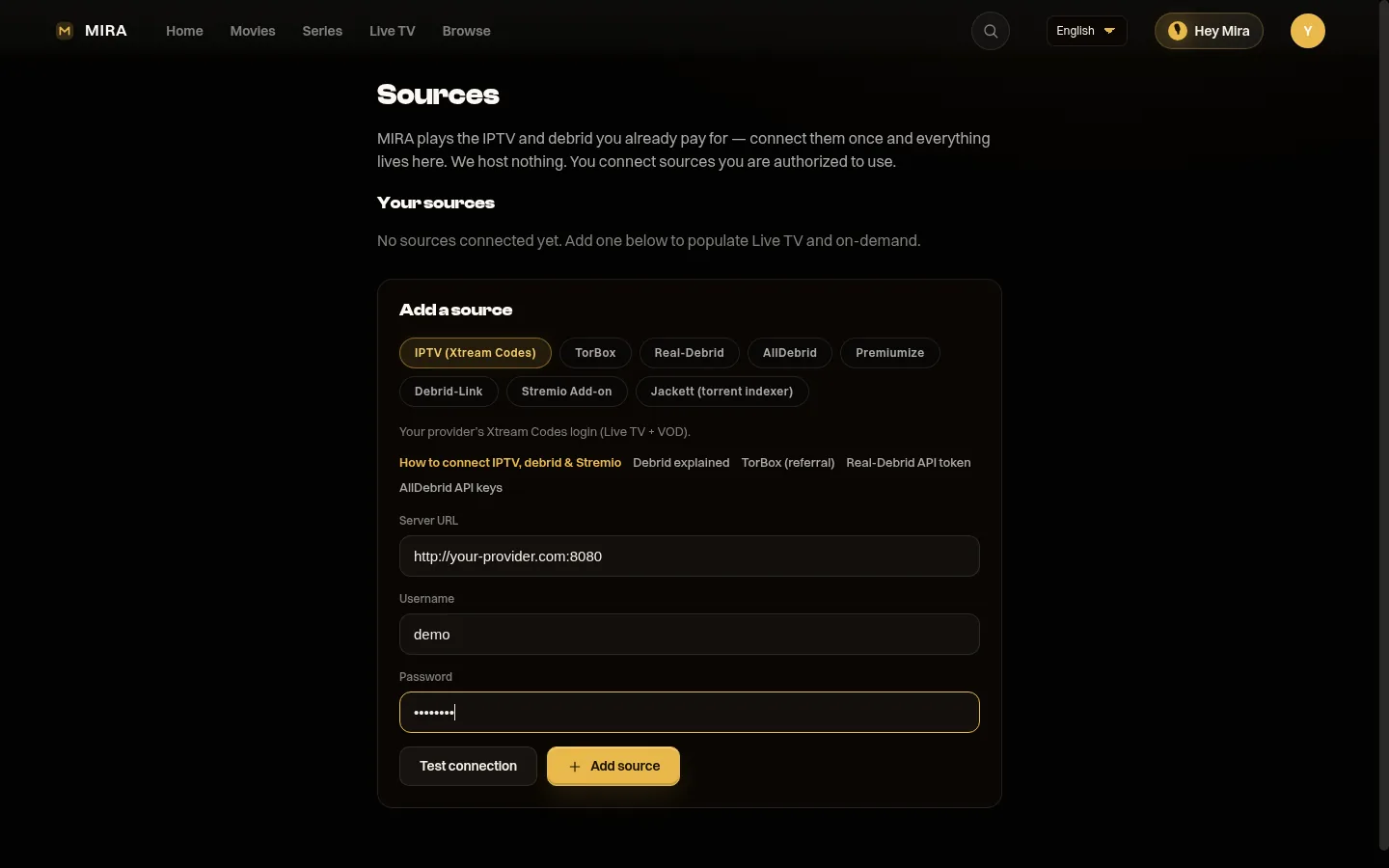
2. Paste your login. We test it.
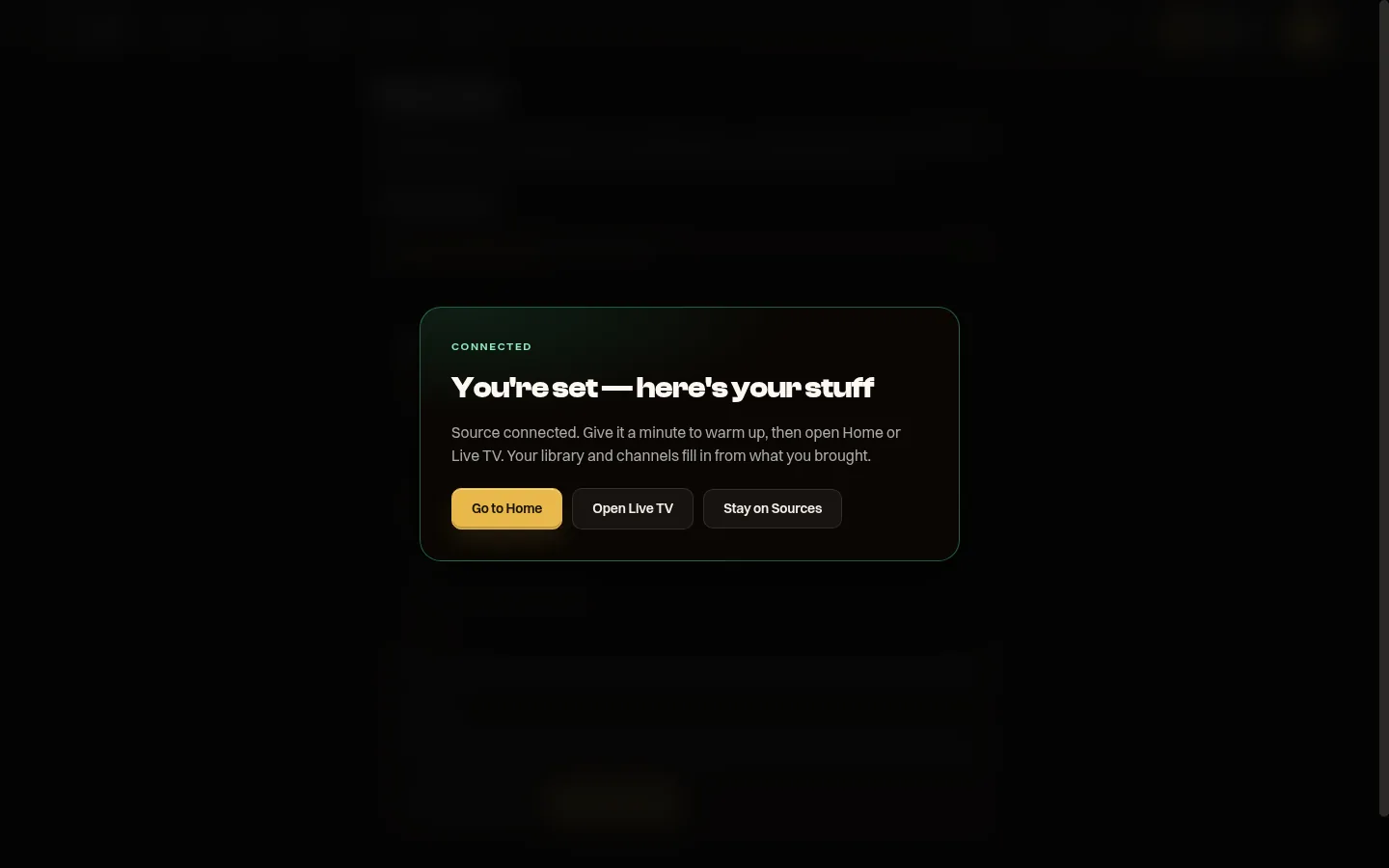
3. Done. Your available catalog and live channels can appear once the source is ready.
Walkthrough: How to connect your sources. You bring IPTV (Xtream / M3U), debrid (TorBox, Real-Debrid, AllDebrid, Premiumize, Debrid-Link), Jackett, or Stremio add-ons. MIRA is the player, never the source.
Languages
The app chrome (menus, account, sources) is in 15 languages: English, Español, Deutsch, Français, Português, Italiano, Nederlands, العربية, Türkçe, Polski, हिन्दी, 日本語, 한국어, 中文, Русский. Arabic is right-to-left. Pick a language in the player — it follows your profile, not only the browser.
Playback prefers a matching audio/subtitle language when your sources have one (Spanish signup → Spanish-tagged files rank first). The shared catalogue posters and many Home rails are still English-first today. That is honest, not a hidden wall — we are expanding title metadata and regional rails next.