Google Play · Mac ondertekend · Linux · Windows · Web

Download MIRA Player op de schermen die je al gebruikt.

Je IPTV en debrid in één premium speler. Eén account overal. Afspelen draait op je apparaat. Wij hosten niets. $20 per jaar of $99 levenslang. 7 dagen restitutie op je eerste betaling.

Android TV / Google TV

Onn, Chromecast met Google TV, Shield en andere Android 7+ boxes. Zoek naar “MIRA Player” in de TV Play Store, of gebruik de officiële vermelding.

Download het op Google Play

Nieuw in de store — zoeken op de box kan traag zijn. Deze link werkt altijd. Geen Play Store? Sideload hieronder.

Web · iPhone · iPad

Elke moderne browser, inclusief Safari op iPhone en iPad. Geen installatie. Zelfde bibliotheek en Verder kijken als op de TV.

Open webspeler Inloggen

Een native iPhone-app wordt getest. Apple TV en Roku komen er nog aan. De webspeler blijft de installatievrije Apple-route.

Linux

x64 AppImage. Getest. Maak het uitvoerbaar en voer het uit. Zelfde account als tv en web.

Download AppImage

chmod +x voer het daarna uit. Linux heeft geen store-beperking.

Nieuw hier

$20 per jaar of $99 eenmalig. Eerst Stripe. We sturen een inloglink per e-mail of sms. Werkt vanuit het VK, de EU, de VS en overal waar Stripe actief is.

Kies daarna een scherm hierboven. Bronnen verbinden eenmalig op het web.

Geen Play Store? Sideload op de tv

Fire Stick / Fire TV

  1. Open op de stick Zoek en installeer Downloader.
  2. Instellingen → Mijn Fire TV → Ontwikkelaarsopties.
  3. Zet aan Apps van onbekende bronnen voor Downloader.
  4. Open Downloader en typ miraplayer.tv/apk.
  5. Install, then sign in with the same account.

Google TV / Android TV without Play

  1. Prefer Play when you have it: official listing.
  2. Otherwise install Downloader and type miraplayer.tv/apk.
  3. USB: download MiraPlayer-latest.apk on a computer and copy it over.

Vega OS Fire TVs cannot sideload — use the web player. Checksums for desktop: SHA256SUMS.txt.

Connect a source in about a minute
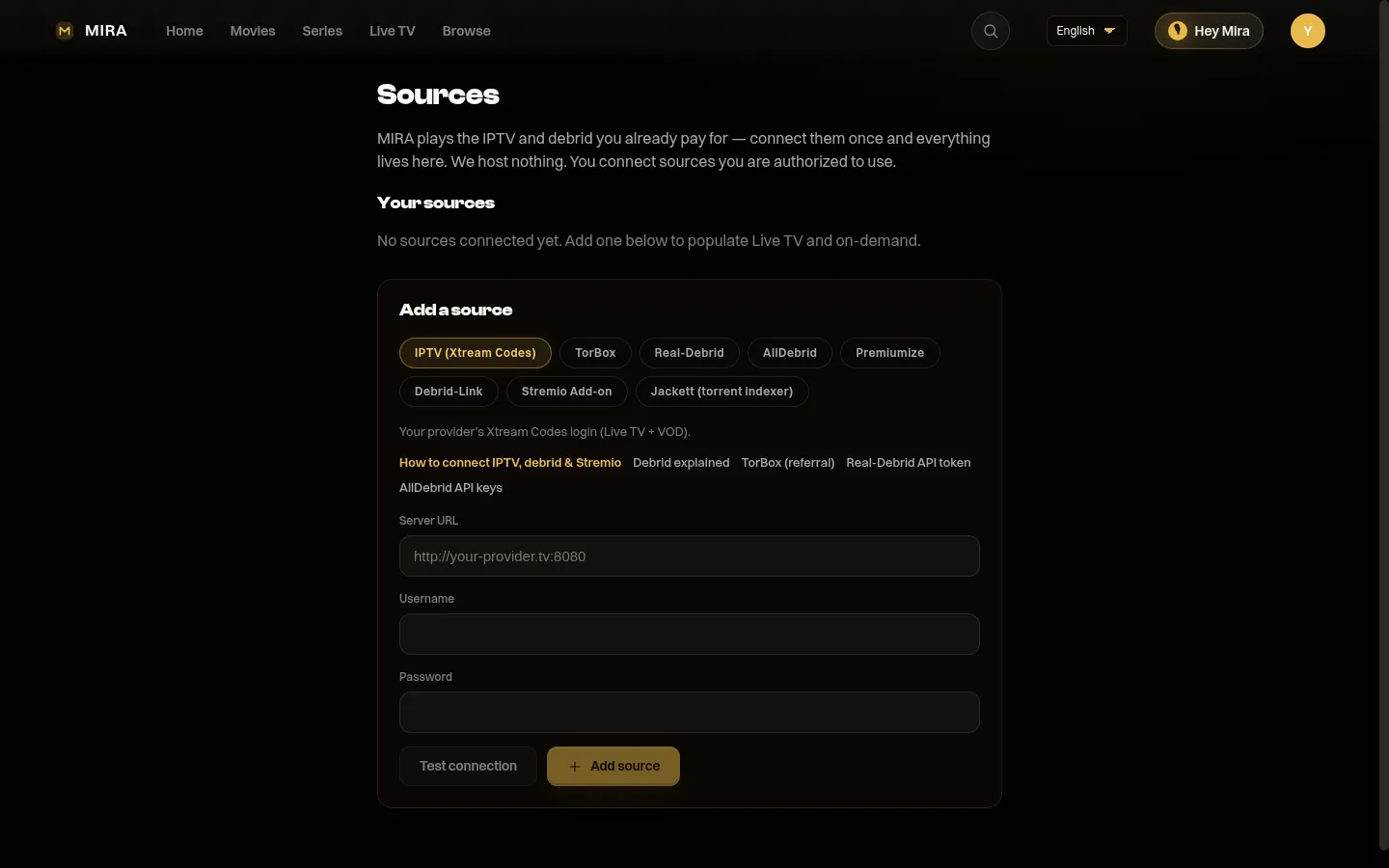
MIRA Player Bronnenpagina

1. Open Sources and pick IPTV or debrid.
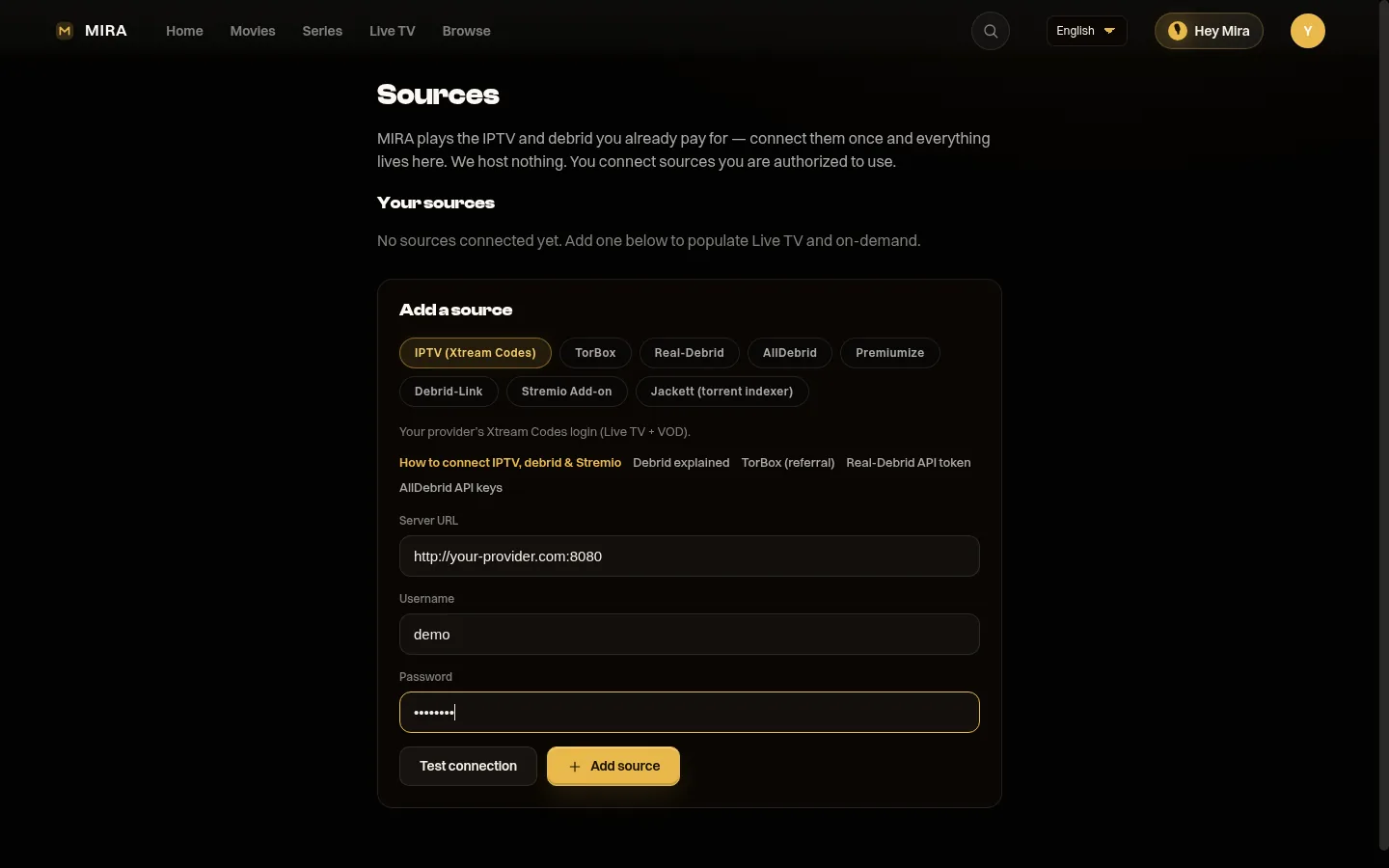
Een IPTV-bron verbinden in MIRA Player

2. Paste your login. We test it.

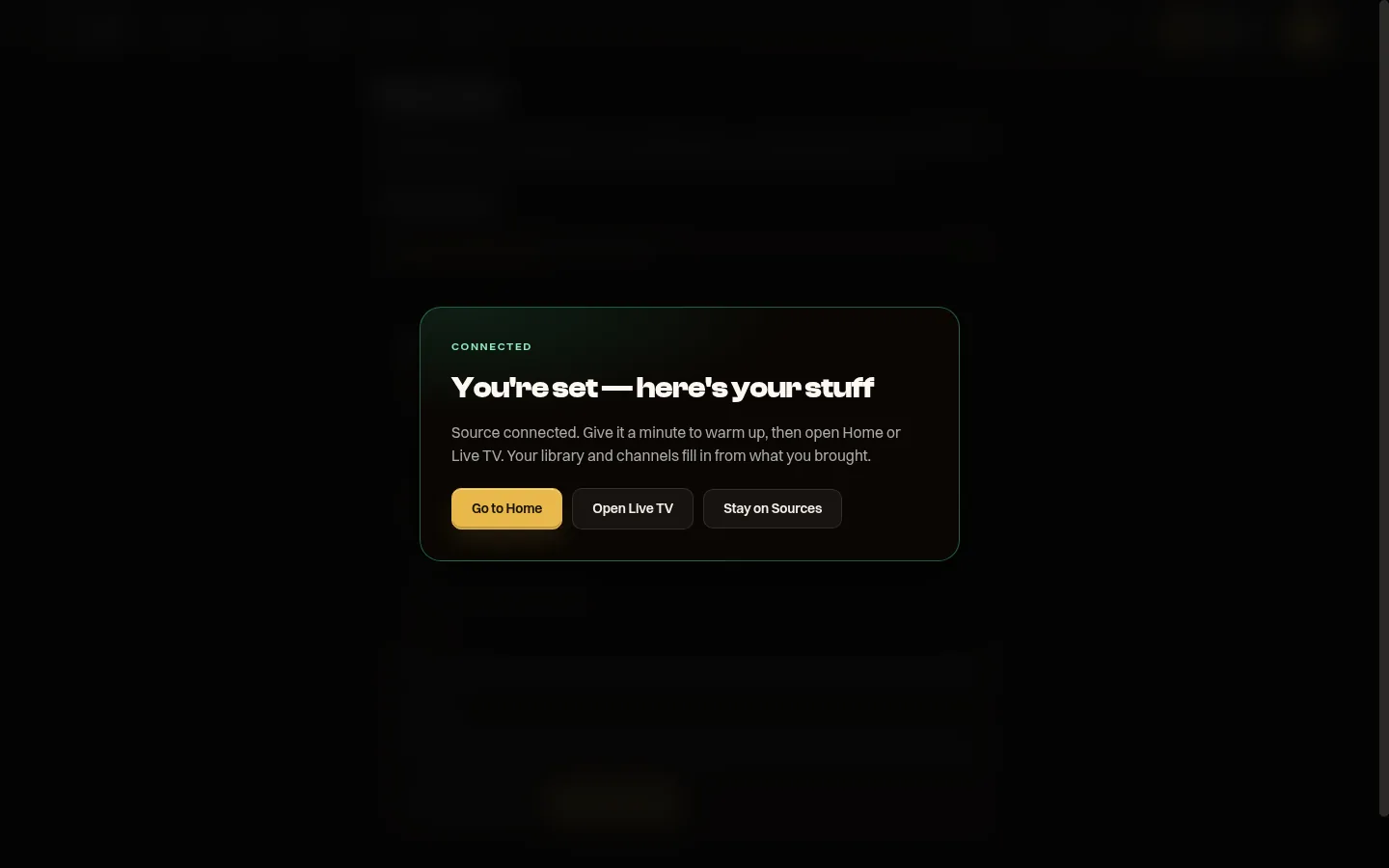
MIRA Player confirms a source is connected

3. Done. Home and Live TV fill in.

Walkthrough: How to connect your sources. You bring IPTV (Xtream / M3U), debrid (TorBox, Real-Debrid, AllDebrid, Premiumize, Debrid-Link), Jackett, or Stremio add-ons. MIRA is the player, never the source.

Languages

The app chrome (menus, account, sources) is in 15 languages: English, Español, Deutsch, Français, Português, Italiano, Nederlands, العربية, Türkçe, Polski, हिन्दी, 日本語, 한국어, 中文, Русский. Arabic is right-to-left. Pick a language in the player — it follows your profile, not only the browser.

Playback prefers a matching audio/subtitle language when your sources have one (Spanish signup → Spanish-tagged files rank first). The shared catalogue posters and many Home rails are still English-first today. That is honest, not a hidden wall — we are expanding title metadata and regional rails next.