Xtream Codes player for Android TV and web: portal URL, username, password
What the login is, what the player does with it, and what stays unknown.
An Xtream Codes login is three things from your IPTV provider: a server (portal) URL, a username and a password. MIRA Player accepts that login in the web app at miraplayer.tv/app, then shows your channels, live TV guide and on-demand titles on Android TV, Google TV and the web. MIRA Player supplies no portal and no channels; your provider does.
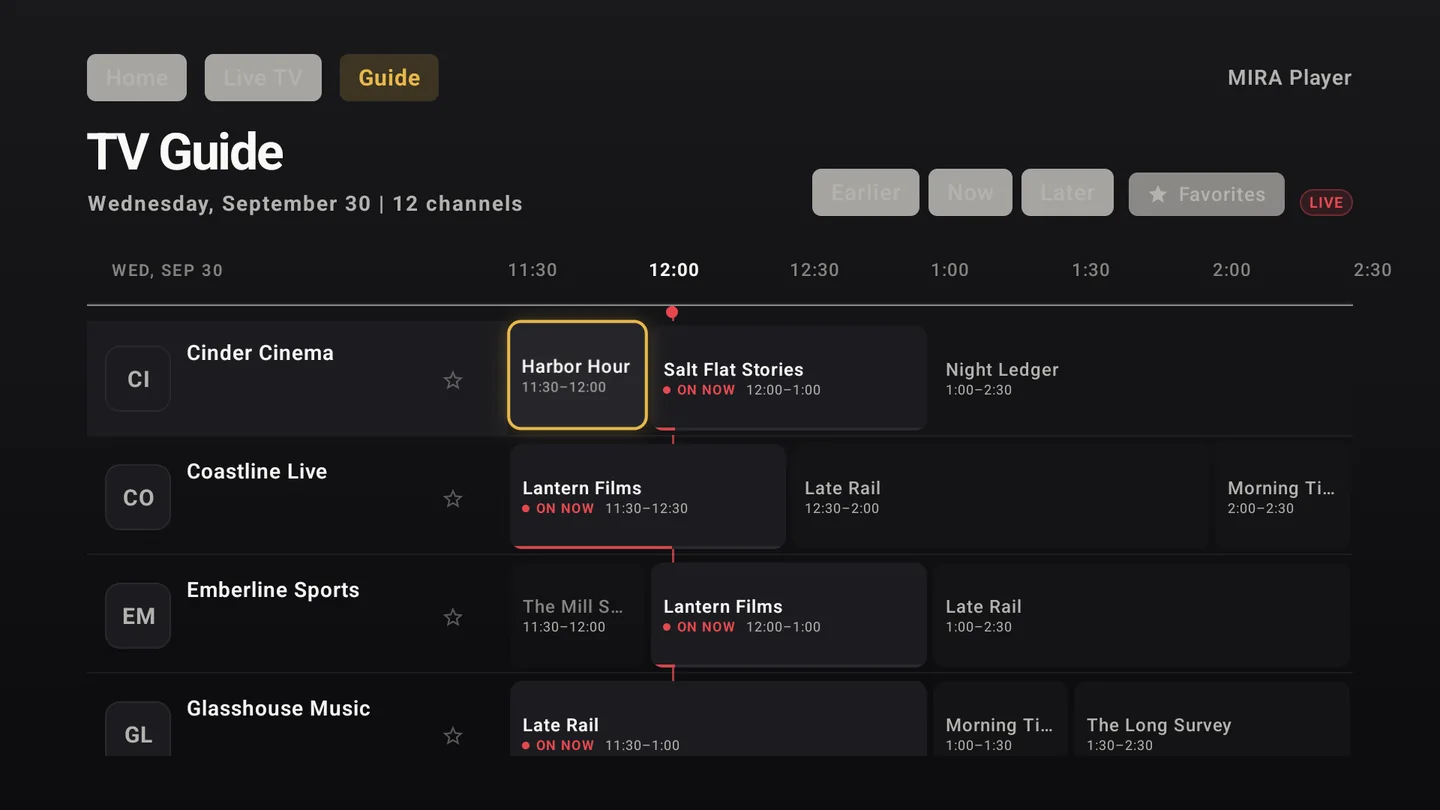
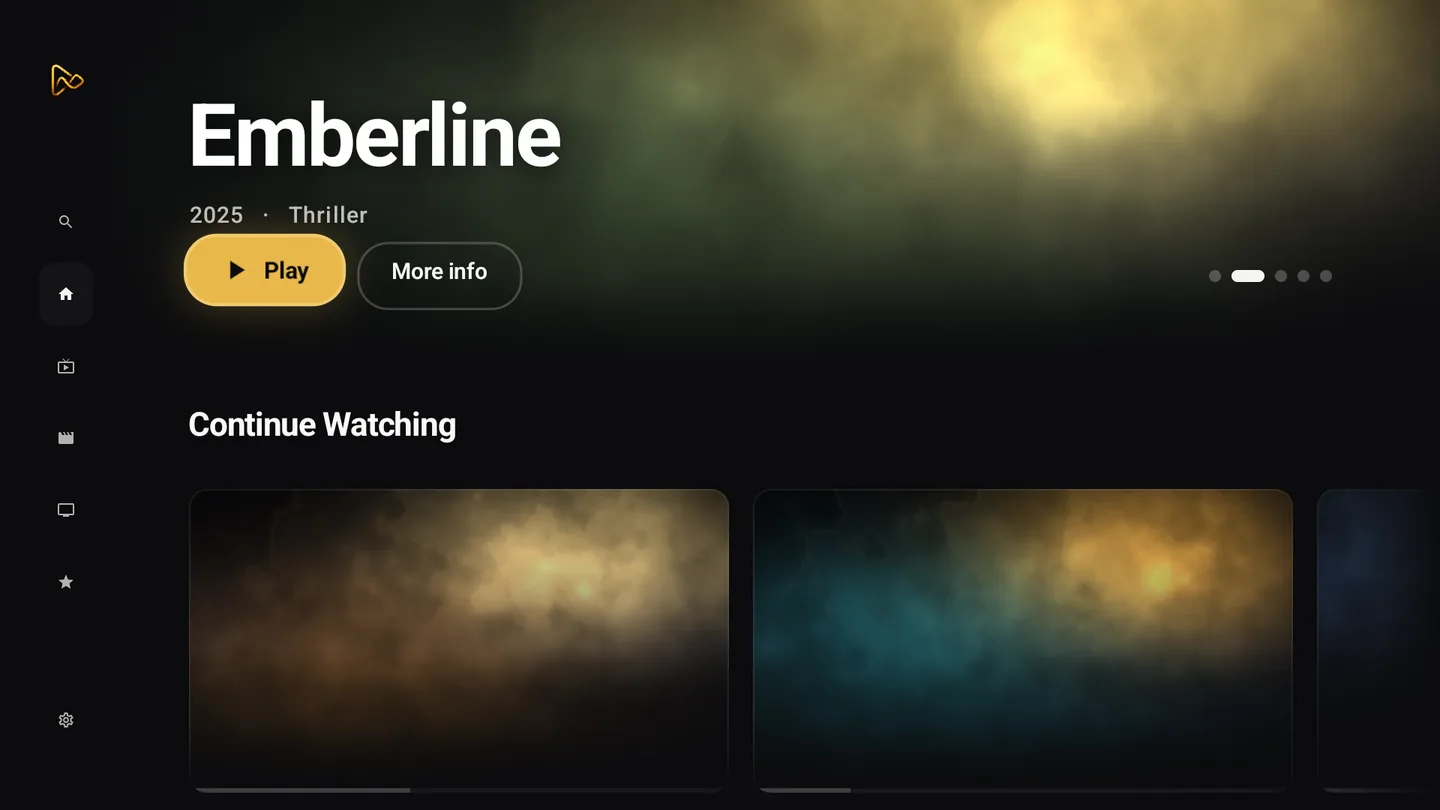
How an Xtream Codes login works
Xtream Codes is a de facto panel API, not a format from a standards body. Panel-vendor documentation (xui.live Xtream Codes API docs, checked 2026-10-18) describes it: the player calls player_api.php with your username and password; a request with no action returns your account details (status, expiry date, max connections) and server details, and further actions list live categories, live streams, movies, series and EPG. The same panel can also serve an M3U playlist and an XMLTV guide for apps that read files instead of the API.
Extra actions beyond those documented ones vary by panel vendor and are unknown here.
Connecting it in MIRA Player
You connect sources in the web app at miraplayer.tv/app; your provider credentials stay between you and your provider. Choose the Xtream Codes option and enter the server URL, username and password from your provider. Sources connect on the web, not on the TV.
MIRA Player is a player, not a content service: it hosts, bundles and supplies no channels, movies or streams. Playback depends on your sources, device, codec support and network.
The live TV guide
MIRA Player shows a live TV guide for your channels. The guide data comes from your provider: whether your provider supplies EPG data for your line is unknown until you connect it, and it varies by provider.
| App | Xtream Codes | M3U | EPG / guide | Platforms | Price | Source |
|---|---|---|---|---|---|---|
| MIRA Player (as of 2026-10-18) | yes (as of 2026-10-18) | yes (as of 2026-10-18) | live TV guide yes; guide data comes from your provider (as of 2026-10-18) | Android TV / Google TV (Google Play, Android 7+), web app, Mac / Linux / Windows (early access), Fire OS sideload (as of 2026-10-18) | $20/year or $99 lifetime (one-time); 7-day refund on your first payment (as of 2026-10-18) | source |
| TiviMate (as of 2026-10-18) | yes (Google Play listing, 2026-10-18) | yes; Stalker Portal also listed (Google Play listing, 2026-10-18) | EPG grid yes (Google Play listing, 2026-10-18) | Android TV; not optimized for phones or tablets (Google Play listing, 2026-10-18) | free app with in-app purchases; upgrade price unknown (not public) (as of 2026-10-18) | source |
| IPTV Smarters Pro (as of 2026-10-18) | yes: asks for server, username, password (xui.live Xtream docs, 2026-10-18) | M3U and JSON formats (smarterspro.com, 2026-10-18) | EPG yes (smarterspro.com/features, 2026-10-18) | Android phone, Android TV, iOS, Apple TV, Samsung TV, Windows/macOS beta, web player (smarterspro.com, 2026-10-18) | paid upgrade exists; price not verified (as of 2026-10-18) | source |
Data as of . Each row links its source and the date it was checked.
How to connect an Xtream Codes login in MIRA Player
- Subscribe. Pick a plan at miraplayer.tv/get: $20/year or $99 lifetime (one-time); 7-day refund on your first payment.
- Open the web app. Go to miraplayer.tv/app and sign in.
- Choose Xtream Codes. In sources, pick the Xtream Codes option and enter the server (portal) URL, username and password your provider gave you.
- Open the TV app and the guide. Install MIRA Player from Google Play on Android TV or Google TV (Android 7+), sign in with the same account and open the live TV guide.
Try it on your TV
MIRA Player is a media player for your own sources; it hosts nothing. $20/year or $99 lifetime (one-time); 7-day refund.
Get MIRA PlayerBring your own sources. MIRA Player provides no content.
FAQ
Is Xtream Codes the same as M3U?
No. Xtream Codes is a login to your provider's panel API; M3U is a playlist URL. MIRA Player supports both as separate connect options. See the M3U player page.
Do you need my password?
You enter your provider's Xtream username and password in the web app to connect your own line. You connect sources in the web app at miraplayer.tv/app; your provider credentials stay between you and your provider.
Does MIRA Player provide the portal or channels?
No. Your provider supplies the portal and the line. MIRA Player is a player, not a content service: it hosts, bundles and supplies no channels, movies or streams.
Will I get a TV guide (EPG)?
MIRA Player shows a live TV guide. The guide data comes from your provider, so it is unknown per provider until you connect.
How much is MIRA Player?
$20/year or $99 lifetime (one-time); 7-day refund on your first payment.
Which devices does it run on?
Android TV and Google TV via Google Play (Android 7+), the web app, and early-access Mac, Linux and Windows desktop builds, plus Fire OS by sideload. For phones, the web app works today, including iPhone and iPad Safari; a native phone app is not live, no date.