How to install MIRA Player on Google TV or Android TV
One Play Store install, then a sign in. Sources are added on the web, not on the remote.
Last verified:
On Google TV or Android TV, open Google Play on the TV, search for MIRA Player and install it. The Play package is mira.player.tv. You can also open the Play listing on your phone and send it to the TV. The device needs Android 7 or newer. After you sign in, add your own sources on the web, because MIRA Player is a player only and includes no channels, movies or streams. It costs $20 per year or $99 lifetime.
Install steps
- Check the device. It needs to run Google TV or Android TV on Android 7 or newer and have the Google Play Store. Android 6 and older cannot install MIRA Player.
- Open Google Play on the TV and search for MIRA Player. On the TV open the Play Store app, search MIRA Player and open the listing. New-app search can lag, so if it does not show, open the Play listing on your phone and send it to the TV. The direct link always works.
- Install and open the app. Select Install, then Open.
- Sign in. Sign in with your MIRA account email and select your profile.
- Connect your sources on the web. Sources are added at miraplayer.tv/account then Sources (or miraplayer.tv/app/sources), not with the TV remote. The TV app shows a Connect your sources card whose button opens miraplayer.tv/app/sources. See the M3U and Xtream setup page.
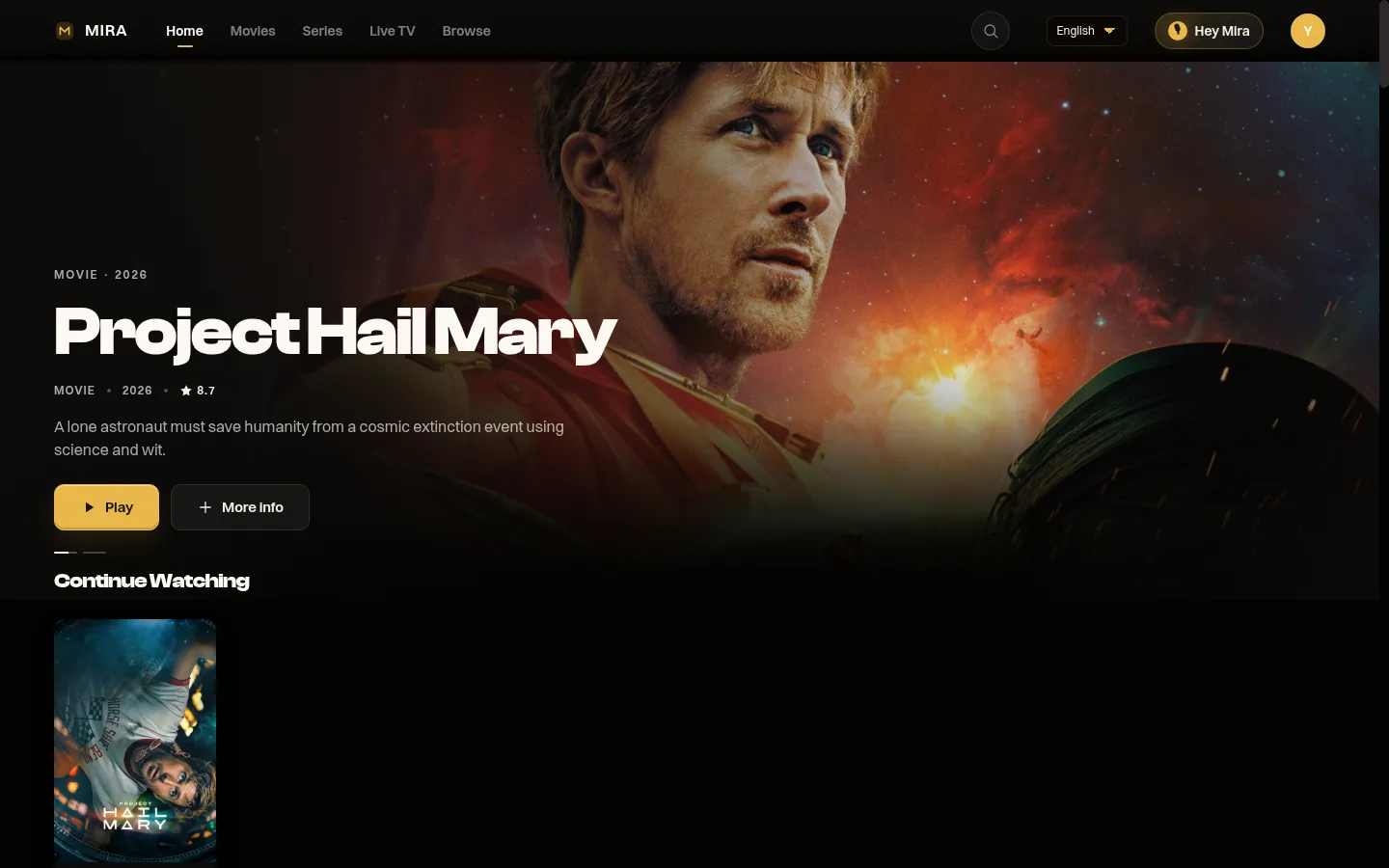
Devices this covers
- onn. Google TV 4K streaming device: our reference device. See the onn install page.
- Chromecast with Google TV: see the Chromecast page.
- Google TV Streamer, NVIDIA SHIELD and Skyworth Google TV box are in use today. TCL and Xiaomi TVs with Google TV or Android TV built in are in use today. Any other Google TV or Android TV device on Android 7 or newer should work.
- Samsung and LG smart TVs are not covered: there is no app for Samsung Tizen or LG webOS.
No Play Store on the box?
Some Android TV boxes ship without a usable Play Store. As a fallback, install Downloader, open it and enter miraplayer.tv/apk. The steps are on the Downloader page. Use Google Play whenever it is available.
MIRA Player hard facts
Checked 2026-10-28. Source of record: miraplayer.tv/facts/.
- This device: Google TV and Android TV devices install from Google Play (package mira.player.tv), Android 7 or newer.
- Price: $20 per year or $99 one-time lifetime. No trial period. 7-day refund on web purchases, lifetime included.
- One app: Your own IPTV (M3U and Xtream Codes), debrid (TorBox, Real-Debrid, AllDebrid, Debrid-Link) and Stremio add-ons in one catalogue, with watchlist, search and Continue Watching.
- Guide: Live TV with a program guide and now/next. Guide data comes from your provider, so coverage varies by source and is not complete. No catch-up. No recording.
- Sources: Bring your own. MIRA Player includes no channels, movies or streams.
- Available now: Android TV and Google TV (Google Play, Android 7 or newer). Android phone and tablet: Google Play (listing ID mira.player.tv). Fire OS by sideload (not Vega OS). Web player at miraplayer.tv/app, including Safari on iPhone and iPad.
- Early access: Desktop build 0.1.2 for Mac (Apple Silicon), Windows x64 and Linux x64 at miraplayer.tv/get.
- Not available: Native iPhone or iPad app, Apple TV, Roku.
- Multiview: Web player only, up to four streams, device-limited.
Questions people ask
How do I install MIRA Player on Google TV?
Open Google Play on the TV, search for MIRA Player and install it, then sign in. The Play package is mira.player.tv.
Is MIRA Player the same on Android TV and Google TV?
Yes. Google TV and Android TV run the same operating system under different branding, and the app installs from the same Google Play listing.
The Play Store does not show MIRA Player in search. What now?
New-app search can lag. Open play.google.com/store/apps/details?id=mira.player.tv on your phone and send it to the TV. If the box has no Play Store at all, use Downloader with miraplayer.tv/apk.
Which Android version do I need?
Android 7 or newer. Android 6 and older devices cannot install MIRA Player.
Where do I add my IPTV or debrid sources?
On the web at miraplayer.tv/account then Sources, or miraplayer.tv/app/sources, not on the TV remote. Then sign in on the TV.
MIRA Player is a media player. It provides no channels, movies or content.